Let them in, only as far as you want.
Share your cycle with a partner using a QR code. Pick what they see, pause or revoke any time. End-to-end encrypted and free.
In short: Splash partner sharing lets you share your cycle with a partner by QR code. You tick exactly what they see, such as period dates, fertile window or mood, and can pause, set an end date or revoke in one tap. Shared data is end-to-end encrypted with a key that never reaches our server. It is free.
Free in Splash. A paid feature in Flo Premium and Clue Plus. Checked Oct 2026
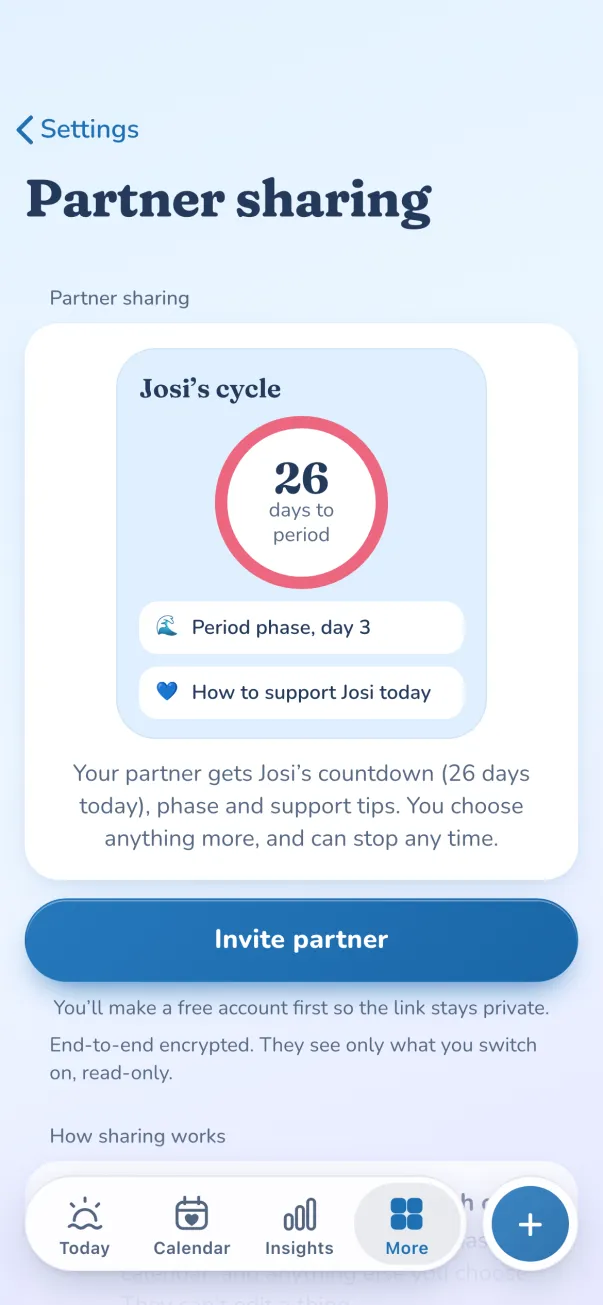
Share what you choose with a QR code. Pause or switch it off any time.
Pair with a QR code
Your partner scans it. The key that unlocks your shared data lives only in that code.
One list, set per person
Everyone you share with sits in one list. Pick categories for each person: cycle, fertile window, mood and more.
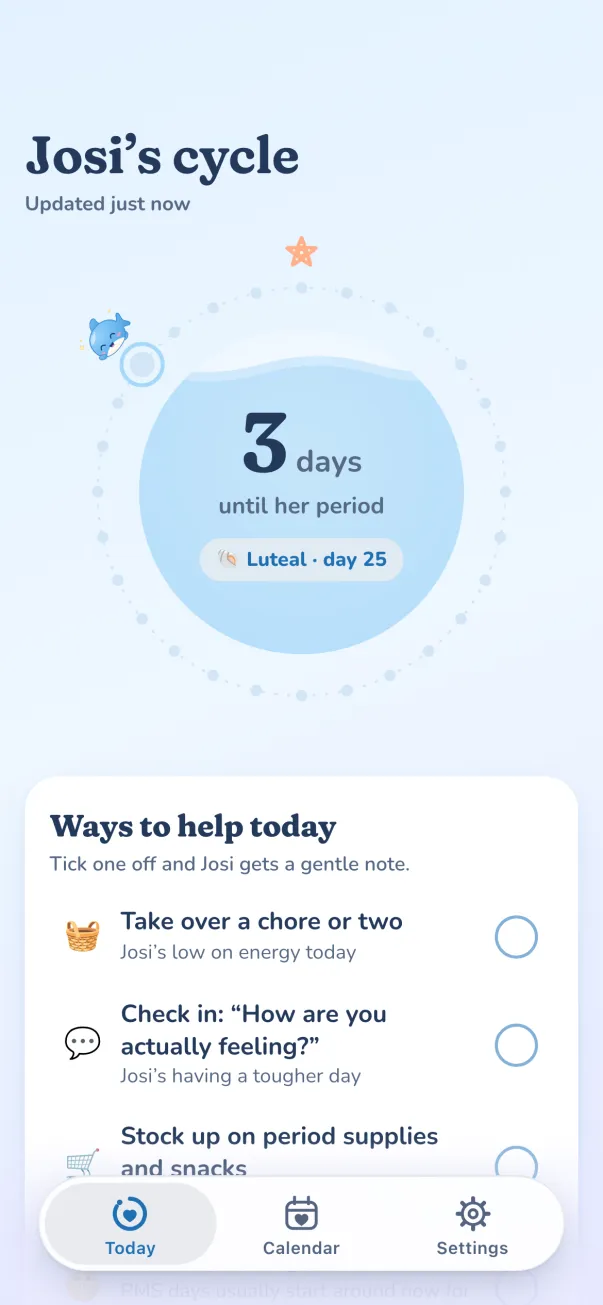
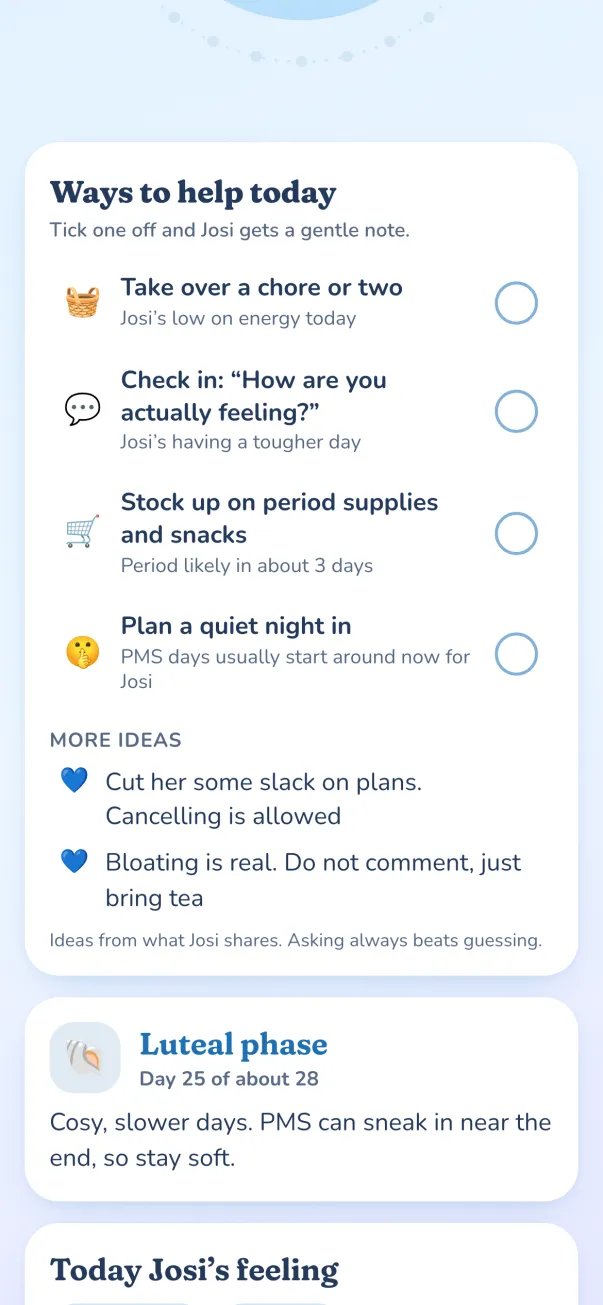
"Today's vibe" and kind acks
They see a gentle card with tips for the day. They can reply "On it 💙".
Pause, expire, revoke
Set an end date, pause for a while, or revoke in one tap. Their copy goes dark.
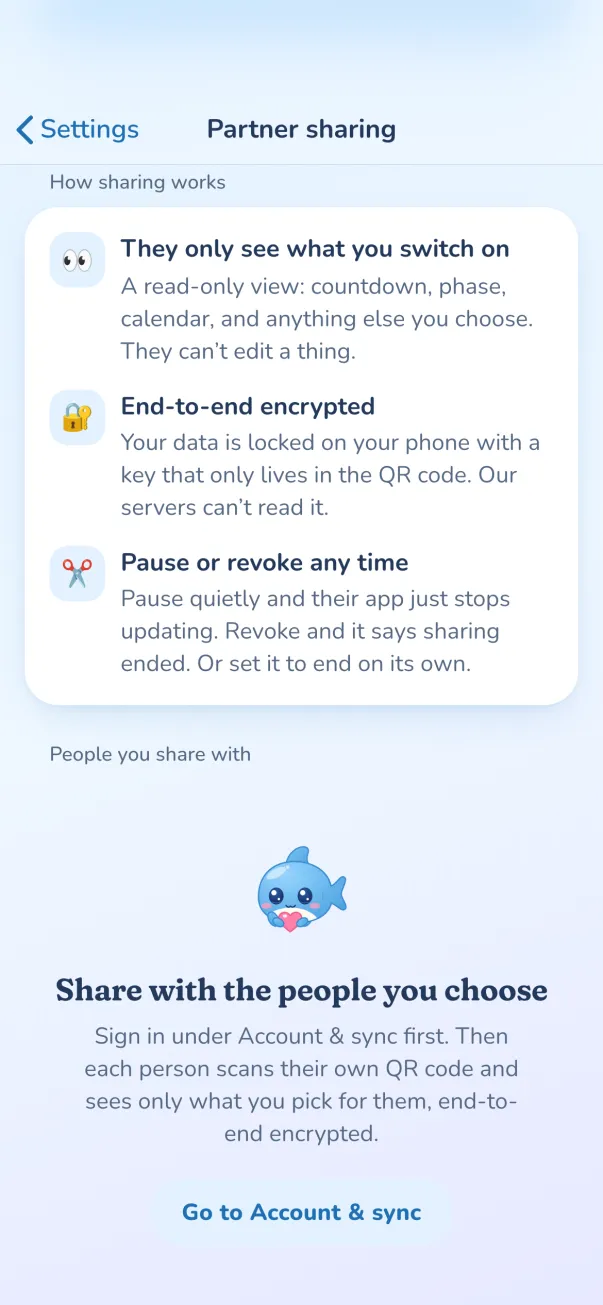
How do I share my period tracker with my partner?
In Settings, Partner sharing, Splash shows a QR code. Your partner scans it with their phone. The code contains a link and a secret key. The key never goes to our server, so only phones that scanned your code can decrypt what you share.
What can my partner see?
Everyone you share with sits in one “People you share with” list, and each person has their own settings. Tick categories: your cycle and period dates, the estimated fertile window, mood, symptoms and more. Untick one and it stops being shared from the next update.
A kinder view for them
Your partner gets a read-only ring and calendar, plus a “today’s vibe” card with small, practical ideas for the day. They can tap “On it” so you know they saw it. Notifications are optional, gentle and neutral by default.
How do I stop sharing?
Tap the person in your list to pause, set an end date or stop sharing. Generating a new code locks out old ones.
Questions
Does my partner need an account?
Yes, a free one, so the app can fetch your encrypted updates. They still cannot see anything you have not ticked.
Can you read what I share?
No. Shared data is encrypted with a key that lives only in your QR code. Our server stores a locked copy it cannot open.
How do I stop sharing?
Open Partner sharing, tap the person in “People you share with” and stop sharing. Their app shows that sharing has ended. You can also pause or set an end date.
Is it free?
Yes. Partner sharing is part of Splash, with no paid tier.
Read more
More features
- PrivacyYour cycle lives on your phone. Optional sync is end-to-end encrypted.
- Apps and widgetsiPhone with Apple Health, Apple Watch, widgets, Android with Health Connect, and the web.
- Lock Screen timersLive Activities on iPhone: a dose countdown, your mini pill window and a contraction timer.
- PredictionsPeriod and fertile-window estimates shown as honest ranges.
- InsightsCycle history, patterns, gentle experiments and your yearly Wrapped.
- Doctor reportTurn months of logs into a tidy summary for your GP.
Compare: Splash vs Flo · Splash vs Clue
Try partner sharing in ten seconds.
Share what you choose with a QR code. Pause or switch it off any time. No sign-up: it opens in your browser.

Splash is not contraception and not a medical device. Predictions are estimates.