
Splash on your iPhone, Apple Watch, Android and browser.
A full Apple Watch app, iPhone and Android widgets, Apple Health and Health Connect, and a web app that works in any browser. Free.
In short: Splash runs on iPhone (with Apple Health, Home and Lock Screen widgets), Apple Watch (cycle ring, start or end a period, log flow, symptoms and mood, breathe, complications) and Android (Your cycle and Quick log widgets, shortcuts, Health Connect for Samsung Health, Fitbit and Oura). The native apps are on their way to the App Store and on Google Play now; the web app works in any browser today. Free.
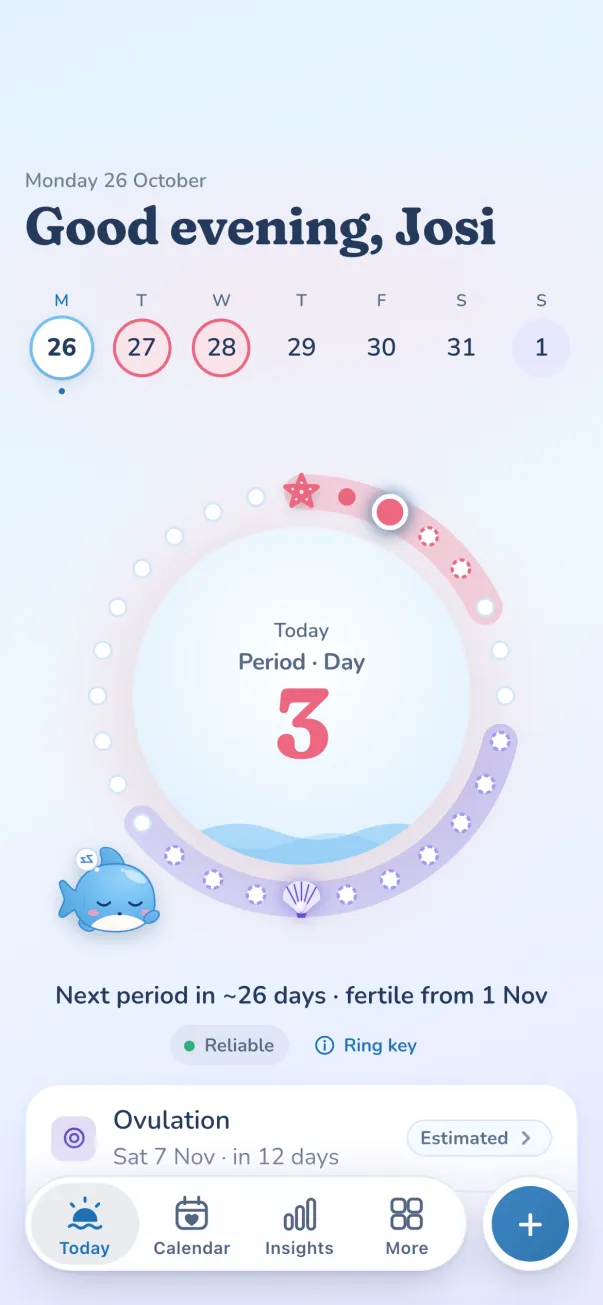
iPhone with Apple Health, Apple Watch, widgets, Android with Health Connect, and the web.
iPhone and Apple Health
Cycle data and Apple Watch wrist temperature can flow in from Apple Health, with your permission.
Apple Watch and widgets
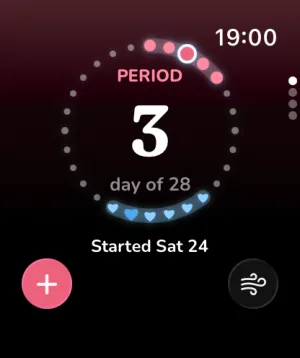
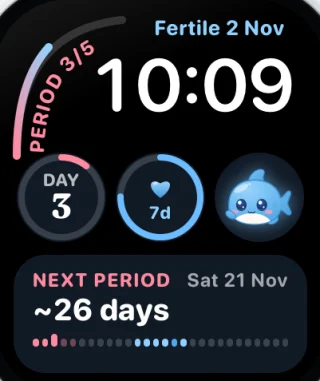
A cycle ring on your wrist, quick logging and breathing, watch complications, and Home and Lock Screen widgets.
Android and Health Connect
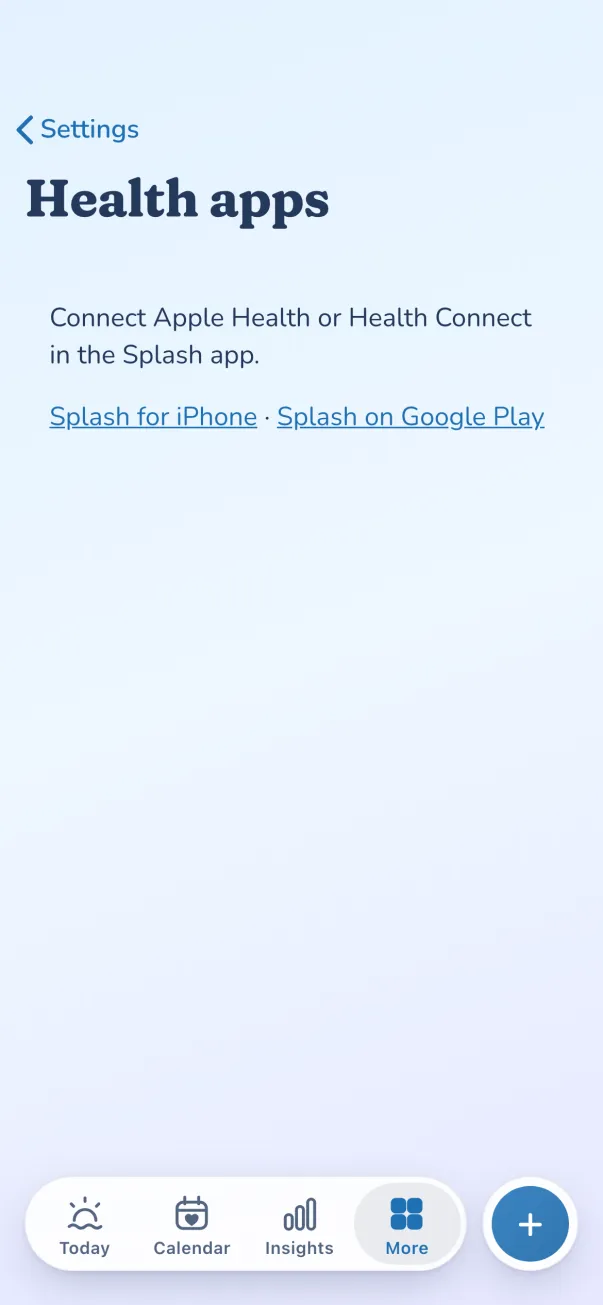
“Your cycle” and “Quick log” widgets, long-press shortcuts, and temperature from Samsung Health, Fitbit or Oura through Health Connect.
The web app, still
Open Splash in any browser and add it to your home screen. Same Splash, free.
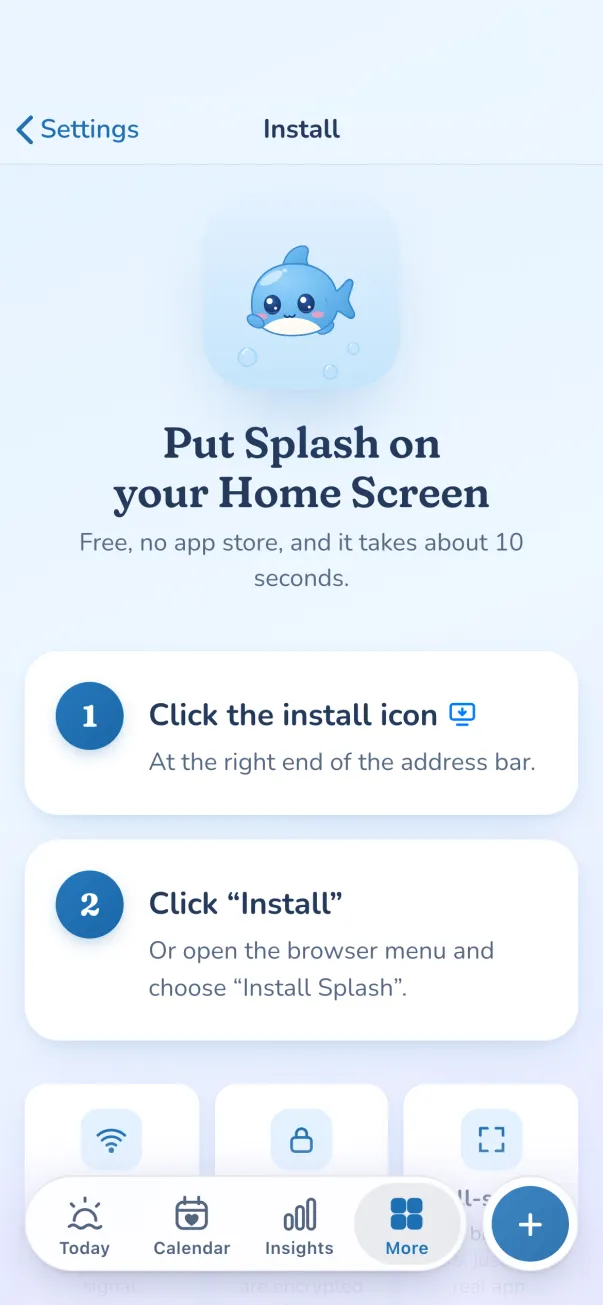
A full Apple Watch app, with Splash on your wrist.
Log a period, flow, symptoms and mood without reaching for your phone. It comes with the Splash app for iPhone.
Breathe with Splash too, and choose what shows on your watch from the iPhone app.
Widgets, shortcuts and every browser.
- iPhoneWorks with Apple Health, plus Home Screen and Lock Screen widgets that show your day at a glance.
- Apple WatchA cycle ring on your wrist. Start or end a period, log flow, symptoms and mood, or breathe. Complications for your watch face.
- Android“Your cycle” and “Quick log” widgets, long-press shortcuts, and Health Connect, for temperature from apps like Samsung Health, Fitbit and Oura.
- Any browserOpen Splash in any browser and add it to your home screen. Same Splash, free.

A full Apple Watch app
Your cycle ring sits on your wrist. Start or end a period, turn the Digital Crown to log flow, add symptoms and mood, scrub through upcoming days, or breathe with Splash. Complications show your cycle day and the next period on your watch face, and you choose what appears from the iPhone app.
Widgets on iPhone and Android
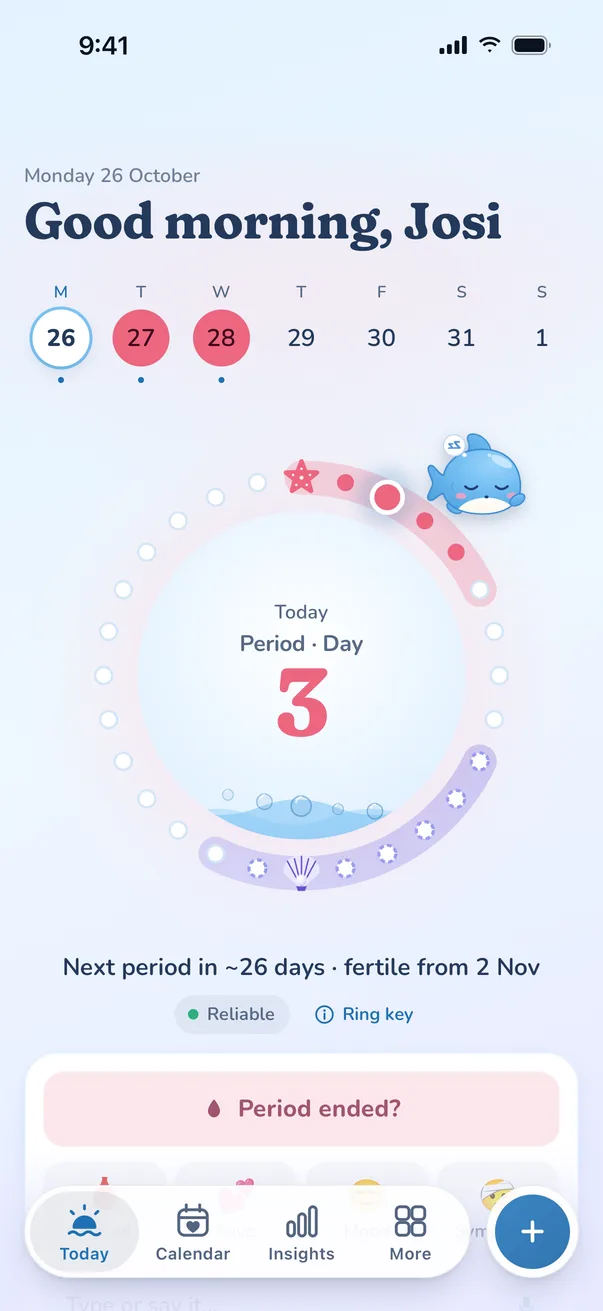
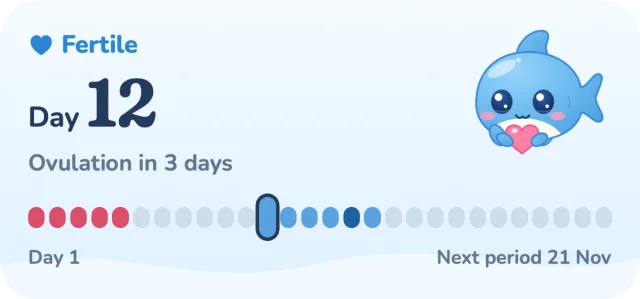
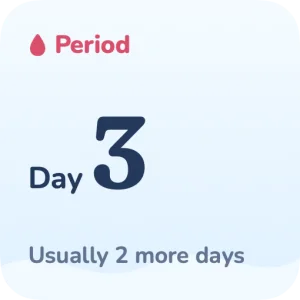
On iPhone, Home Screen and Lock Screen widgets show your cycle day, the fertile window and the next period. On Android, the “Your cycle” widget does the same, the “Quick log” widget logs in one tap, and long-press shortcuts jump straight to logging.
Apple Health and Health Connect
With your permission, Splash reads cycle data and Apple Watch wrist temperature from Apple Health on iPhone. On Android, Health Connect brings in skin temperature from wearables such as Samsung Health, Fitbit and Oura. Temperature feeds your ovulation estimate.
The web app still works
Splash still opens in any browser. Add it to your home screen and it works offline, like any other app.
Questions
Is there a Splash app for iPhone and Android?
Splash is built for iPhone with Apple Watch, for Android, and for any browser. The download page shows where to get each one, and the web app works today.
What can I do on the Apple Watch?
See your cycle ring, start or end a period, log flow with the Digital Crown, log symptoms and mood, scrub through upcoming days and breathe with Splash. Complications put your cycle on your watch face.
Does Splash work with Apple Health or Health Connect?
Yes, if you allow it. On iPhone, Splash can read cycle data and Apple Watch wrist temperature from Apple Health. On Android, Health Connect brings in temperature from apps such as Samsung Health, Fitbit and Oura.
Are there widgets?
Yes. iPhone has Home Screen and Lock Screen widgets. Android has a “Your cycle” widget and a “Quick log” widget, plus long-press shortcuts on the app icon.
More features
- PrivacyYour cycle lives on your phone. Optional sync is end-to-end encrypted.
- Partner sharingShare what you choose with a QR code. Pause or switch it off any time.
- Lock Screen timersLive Activities on iPhone: a dose countdown, your mini pill window and a contraction timer.
- PredictionsPeriod and fertile-window estimates shown as honest ranges.
- InsightsCycle history, patterns, gentle experiments and your yearly Wrapped.
- Doctor reportTurn months of logs into a tidy summary for your GP.
Compare: Splash vs Apple Health · Splash vs Flo · Splash vs Clue
Try apps and widgets in ten seconds.
iPhone with Apple Health, Apple Watch, widgets, Android with Health Connect, and the web. No sign-up: it opens in your browser.

Splash is not contraception and not a medical device. Predictions are estimates.